

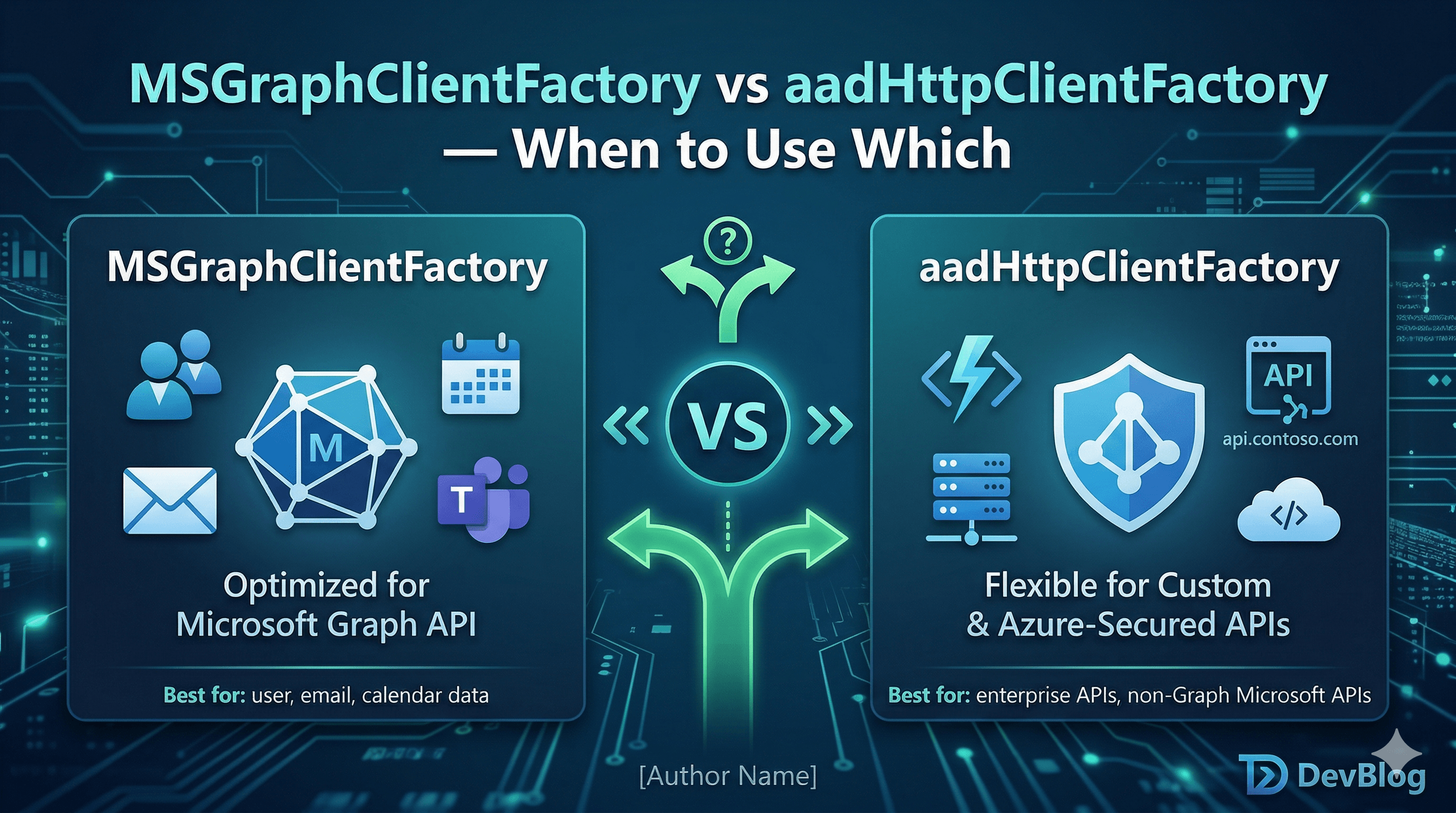
SPFx gives you two ways to make authenticated HTTP calls to AAD-protected APIs: MSGraphClientFactory and AadHttpClientFactory.
Both acquire tokens automatically. Both are available from this.context. And both will silently return a 403 if you pick the wrong one for your target API.
Here is exactly when to use each, and why.
🗺️ The Core Difference
MSGraphClientFactory | AadHttpClientFactory | |
|---|---|---|
| Target | Microsoft Graph API only (https://graph.microsoft.com) | Any AAD-protected API — your own Azure Functions, custom APIs, third-party services |
| Client type | Returns MSGraphClientV3 (Graph JS SDK wrapper) | Returns AadHttpClient (fetch-like HTTP client) |
| Request format | Graph SDK fluent API (.api('/me').select(...).get()) | Standard HTTP (client.get(url, options)) |
| Token audience | Always https://graph.microsoft.com | The resource URI you specify |
| Permission declaration | webApiPermissionRequests with "resource": "Microsoft Graph" | webApiPermissionRequests with your custom API's resource URI |
The rule is simple: if you are calling Graph, use MSGraphClientFactory. If you are calling anything else, use AadHttpClientFactory.
🧩 MSGraphClientFactory — Graph Calls Only
Use MSGraphClientFactory whenever your endpoint starts with https://graph.microsoft.com. It returns a client that wraps the Graph JS SDK, giving you a fluent query builder, automatic pagination helpers, and built-in handling for Graph-specific error shapes.
import { MSGraphClientV3 } from '@microsoft/sp-http';

protected async onInit(): Promise<void> {
  await super.onInit();

  const client: MSGraphClientV3 =
    await this.context.msGraphClientFactory.getClient('3');

  // Fluent Graph SDK API
  const me = await client
    .api('/me')
    .select('displayName,mail,jobTitle')
    .get();

  console.log(me.displayName);
}
When to use MSGraphClientFactory:
- Reading user profiles, group memberships, calendar events, Teams channels
- Querying SharePoint data via Graph (
/sites,/drives,/lists) - Sending mail, creating Teams meetings, managing Planner tasks
- Anything in the Graph Explorer
Declare permissions in package-solution.json:
{
  "solution": {
    "webApiPermissionRequests": [
      { "resource": "Microsoft Graph", "scope": "User.Read" },
      { "resource": "Microsoft Graph", "scope": "Calendars.Read" }
    ]
  }
}
🔧 AadHttpClientFactory — Custom AAD-Protected APIs
Use AadHttpClientFactory when you need to call an API that is NOT Microsoft Graph — your own Azure Function, a custom Web API, a third-party service registered in AAD, or an on-premises API exposed via Azure AD Application Proxy.
import { AadHttpClient, HttpClientResponse } from '@microsoft/sp-http';

protected async onInit(): Promise<void> {
  await super.onInit();

  // The resource URI must match the Application ID URI of your AAD app registration
  const client: AadHttpClient =
    await this.context.aadHttpClientFactory.getClient(
      'https://contoso.onmicrosoft.com/my-custom-api'
    );

  const response: HttpClientResponse = await client.get(
    'https://my-custom-api.azurewebsites.net/api/projects',
    AadHttpClient.configurations.v1
  );

  if (response.ok) {
    const data = await response.json();
    console.log(data);
  }
}
The string you pass to getClient() is the resource URI — it must exactly match the Application ID URI (also called the identifier URI) set on the AAD app registration for your API. A mismatch produces a 401.
When to use AadHttpClientFactory:
- Calling your own Azure Functions secured with AAD authentication
- Calling a custom ASP.NET or Node.js Web API registered in AAD
- Calling any API where you own the AAD app registration
- Accessing APIs via Azure AD Application Proxy
Declare permissions in package-solution.json:
{
  "solution": {
    "webApiPermissionRequests": [
      {
        "resource": "https://contoso.onmicrosoft.com/my-custom-api",
        "scope": "user_impersonation"
      }
    ]
  }
}
⚠️ Common Mistakes
Using AadHttpClientFactory to call Graph.
It will work — Graph is an AAD-protected API — but you lose the Graph SDK's fluent query builder, pagination, and error handling. Always use MSGraphClientFactory for Graph.
Passing the wrong resource URI to AadHttpClientFactory.
The resource must be the Application ID URI from the app registration, not the API's base URL. These are often different. In the Azure Portal → App registrations → your API app → Expose an API → Application ID URI.
Calling getClient() inside render or a React component.
Both factories are async. Call them in onInit and store the resulting client. Calling getClient on every render is wasteful and can cause subtle race conditions.
Expecting permissions to auto-approve.
Both factories require an admin to approve permissions via SharePoint Admin Center → API access before the token is issued. A 403 after correct code is almost always a permissions approval issue.
🤔 Decision Guide
Is your endpoint https://graph.microsoft.com/* ?
  ├── YES → MSGraphClientFactory → MSGraphClientV3
  └── NO  → Is the API registered in AAD?
              ├── YES → AadHttpClientFactory → AadHttpClient
              └── NO  → Use SPHttpClient (SharePoint REST)
                         or HttpClient (anonymous/no-AAD endpoints)
For completeness: SPHttpClient is for SharePoint REST API calls (/_api/*) and handles SharePoint request digests automatically. HttpClient is for fully anonymous or non-AAD APIs. Neither requires AAD token approval.
✅ Summary
MSGraphClientFactory→ Microsoft Graph only. Returns the Graph JS SDK client with fluent query builder. Declare permissions with"resource": "Microsoft Graph".AadHttpClientFactory→ Any other AAD-protected API. Returns a fetch-like HTTP client. Declare permissions with your API's Application ID URI as the resource.- Both require admin approval of permission scopes in SharePoint Admin Center before tokens are issued.
- Initialise both in
onInit— never insiderenderor React component effects. - A 403 after correct code almost always means the permission has not yet been approved by an admin.
Happy coding!