

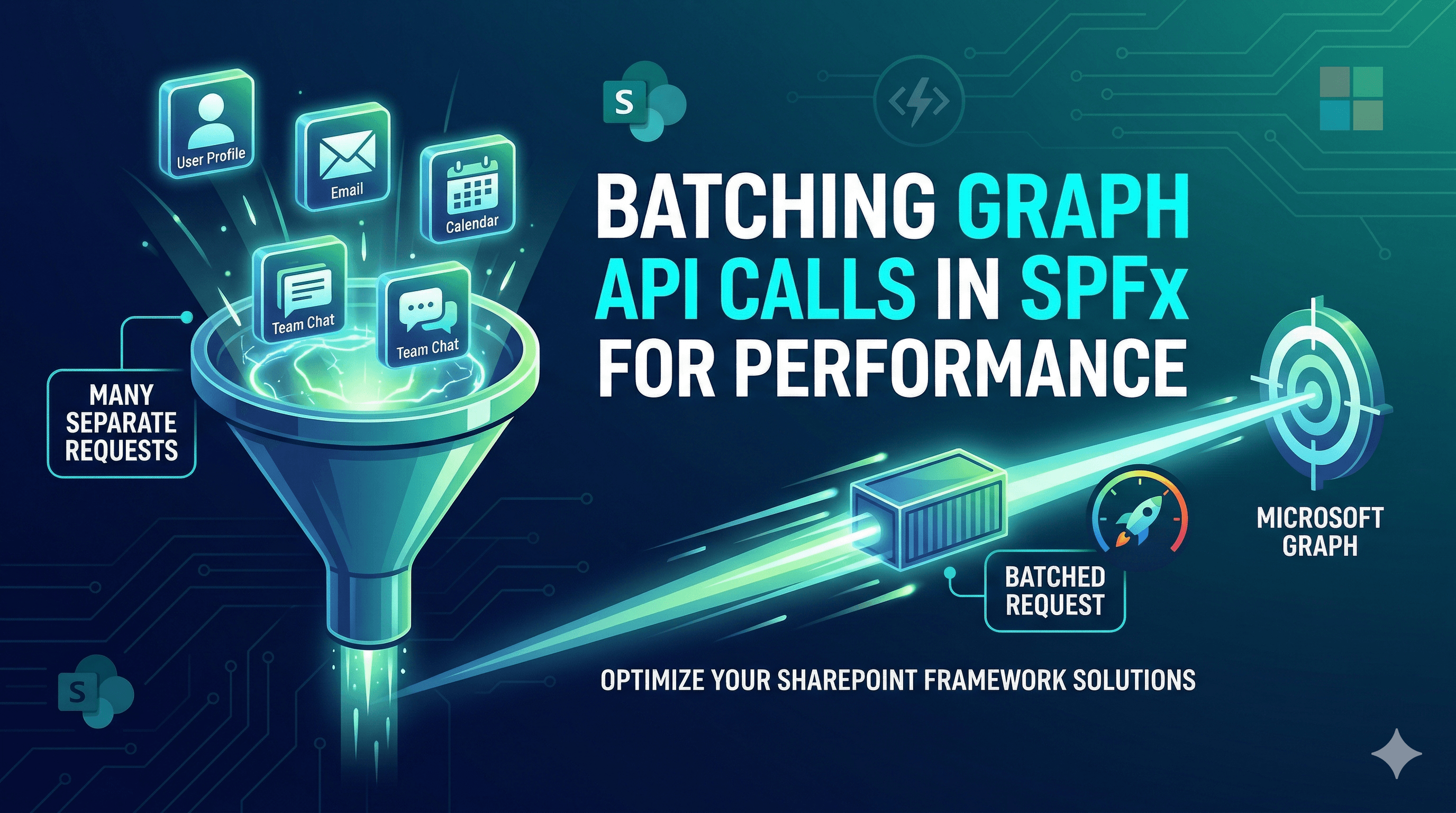
A common pattern in SPFx web parts is to load data from several Graph endpoints on mount — the current user's profile, their manager, their group memberships, their upcoming meetings.
Each of those is a separate HTTP request. Four requests means four round trips, four tokens, four chances to hit Graph throttling limits, and a measurably slower load time for your users.
Graph supports batching up to 20 requests into a single HTTP call. Here is how to use it correctly in SPFx.
🗺️ How Graph Batching Works
The Graph batch endpoint is POST https://graph.microsoft.com/v1.0/$batch. You send a single HTTP request with a JSON body containing an array of up to 20 individual requests. Graph executes them (potentially in parallel) and returns all responses in a single JSON body.
POST https://graph.microsoft.com/v1.0/$batch
Content-Type: application/json

{
  "requests": [
    { "id": "1", "method": "GET", "url": "/me" },
    { "id": "2", "method": "GET", "url": "/me/manager" },
    { "id": "3", "method": "GET", "url": "/me/memberOf" }
  ]
}
The response contains a responses array where each item has the matching id, a status code, and a body:
{
  "responses": [
    { "id": "1", "status": 200, "body": { "displayName": "Ravi Chandran", ... } },
    { "id": "2", "status": 200, "body": { "displayName": "Priya Manager", ... } },
    { "id": "3", "status": 200, "body": { "value": [...] } }
  ]
}
Individual responses can fail independently — a 404 or 403 on one request does not cancel the others. Always check the status of each response.
🧩 Building a Typed Batch Helper
The Graph JS SDK in SPFx (v3) has a createBatch method, but its TypeScript types are incomplete and the API is less ergonomic than building a thin typed wrapper. Here is a clean helper that works directly with MSGraphClientV3:
src/services/GraphBatchService.ts
import { MSGraphClientV3 } from '@microsoft/sp-http';

export interface IBatchRequest {
  id: string;
  method: 'GET' | 'POST' | 'PATCH' | 'DELETE';
  url: string;           // Relative to /v1.0 — e.g. "/me" not the full URL
  body?: unknown;
  headers?: Record<string, string>;
  dependsOn?: string[];  // IDs of requests that must complete first
}

export interface IBatchResponse<T = unknown> {
  id: string;
  status: number;
  body: T;
  error: string | null;
}

export class GraphBatchService {
  private readonly _client: MSGraphClientV3;
  private readonly _batchEndpoint = 'https://graph.microsoft.com/v1.0/$batch';
  private readonly _maxBatchSize = 20;

  constructor(client: MSGraphClientV3) {
    this._client = client;
  }

  public async execute<T = unknown>(
    requests: IBatchRequest[]
  ): Promise<IBatchResponse<T>[]> {
    if (requests.length === 0) return [];
    if (requests.length > this._maxBatchSize) {
      throw new Error(
        `Batch size ${requests.length} exceeds maximum of ${this._maxBatchSize}. Split into multiple batches.`
      );
    }

    const batchBody = { requests };

    // Use the underlying fetch via the Graph client's httpClient
    const httpClient = (this._client as any).config.fetchOptions;
    const token = await this._getToken();

    const response = await fetch(this._batchEndpoint, {
      method: 'POST',
      headers: {
        'Content-Type': 'application/json',
        'Authorization': `Bearer ${token}`
      },
      body: JSON.stringify(batchBody)
    });

    if (!response.ok) {
      throw new Error(`Batch request failed: ${response.status} ${response.statusText}`);
    }

    const result = await response.json();
    return (result.responses as Array<{ id: string; status: number; body: unknown }>)
      .map(r => ({
        id: r.id,
        status: r.status,
        body: r.body as T,
        error: r.status >= 400
          ? ((r.body as any)?.error?.message ?? `HTTP ${r.status}`)
          : null
      }));
  }

  // Retrieve the AAD token from the SPFx token service
  private async _getToken(): Promise<string> {
    const tokenProvider = await (this._client as any).config.authProvider
      .getAccessToken({ scopes: ['https://graph.microsoft.com/.default'] });
    return tokenProvider;
  }
}
Note: The token extraction above accesses internal SDK properties. For production, use
MSGraphClientV3's.api('$batch').post(batchBody)approach shown in the alternative below.
🔧 Simpler Approach — Using the SDK's Batch API Directly
The Graph JS SDK v3 exposes a createBatch helper that avoids internal property access:
import { MSGraphClientV3 } from '@microsoft/sp-http';

export class GraphBatchService {
  private readonly _client: MSGraphClientV3;

  constructor(client: MSGraphClientV3) {
    this._client = client;
  }

  public async fetchUserDashboardData(): Promise<{
    profile: unknown;
    manager: unknown;
    groups: unknown[];
    events: unknown[];
  }> {
    const batchBody = {
      requests: [
        { id: '1', method: 'GET', url: '/me?$select=displayName,mail,jobTitle,department' },
        { id: '2', method: 'GET', url: '/me/manager?$select=displayName,mail,jobTitle' },
        { id: '3', method: 'GET', url: '/me/memberOf?$select=displayName,id&$top=10' },
        {
          id: '4',
          method: 'GET',
          url: `/me/calendarView?startDateTime=${new Date().toISOString()}&endDateTime=${this._endOfDay()}&$select=subject,start,end,organizer&$top=5`
        }
      ]
    };

    const result = await this._client
      .api('$batch')
      .version('v1.0')
      .post(batchBody);

    const responses = result.responses as Array<{
      id: string;
      status: number;
      body: unknown;
    }>;

    const findBody = (id: string) =>
      responses.find(r => r.id === id && r.status === 200)?.body;

    return {
      profile: findBody('1') ?? null,
      manager: findBody('2') ?? null,
      groups: ((findBody('3') as any)?.value) ?? [],
      events: ((findBody('4') as any)?.value) ?? []
    };
  }

  private _endOfDay(): string {
    const end = new Date();
    end.setHours(23, 59, 59, 999);
    return end.toISOString();
  }
}
⚛️ Consuming the Batch Service in a Web Part
import * as React from 'react';
import { GraphBatchService } from '../../services/GraphBatchService';
import { Spinner } from '@fluentui/react-components';

interface IDashboardProps {
  batchService: GraphBatchService;
}

const Dashboard: React.FC<IDashboardProps> = ({ batchService }) => {
  const [data, setData] = React.useState<ReturnType<GraphBatchService['fetchUserDashboardData']> extends Promise<infer T> ? T : never | null>(null);
  const [loading, setLoading] = React.useState(true);

  React.useEffect(() => {
    batchService.fetchUserDashboardData().then(result => {
      setData(result);
      setLoading(false);
    });
  }, []);

  if (loading) return <Spinner label="Loading dashboard..." />;

  return (
    <div>
      <h3>{(data?.profile as any)?.displayName}</h3>
      <p>Manager: {(data?.manager as any)?.displayName ?? 'Not available'}</p>
      <p>Groups: {data?.groups.length ?? 0}</p>
      <p>Meetings today: {data?.events.length ?? 0}</p>
    </div>
  );
};

export default Dashboard;
Four Graph calls. One HTTP round trip.
⚠️ Batching Rules and Gotchas
Maximum 20 requests per batch. Graph rejects batches larger than 20 with a 400. If you have more than 20 calls, split them into multiple batch calls and run them in sequence or parallel.
Responses can arrive out of order. Do not assume responses[0] corresponds to requests[0]. Always match responses to requests by id.
Individual failures do not abort the batch. A 403 on request 2 does not affect requests 1, 3, or 4. Check each response's status independently.
Throttling still applies at the individual request level. A 429 on a batched request means that specific sub-request was throttled. The batch envelope itself returned 200. Handle per-response 429 by checking status and retrying after the Retry-After value in the sub-response headers.
dependsOn for sequencing. If request B needs the result of request A (for example, getting a manager's calendar after fetching the manager's ID), use the dependsOn property:
{ "id": "2", "method": "GET", "url": "/users/{id}/manager", "dependsOn": ["1"] }
Graph will execute 2 only after 1 completes successfully.
📋 Required Permissions
Declare all scopes needed by the individual requests in your batch:
{
  "solution": {
    "webApiPermissionRequests": [
      { "resource": "Microsoft Graph", "scope": "User.Read" },
      { "resource": "Microsoft Graph", "scope": "User.ReadBasic.All" },
      { "resource": "Microsoft Graph", "scope": "GroupMember.Read.All" },
      { "resource": "Microsoft Graph", "scope": "Calendars.Read" }
    ]
  }
}
Batching does not change the permission model — each sub-request is evaluated against the same scopes as if it were made individually.
📂 GitHub Source
View full SPFx project on GitHub:SPFx Graph batch request helper — typed utility with retry and throttle handling
✅ Summary
- Graph's
$batchendpoint accepts up to 20 requests in a single HTTP call — dramatically reducing round trips and throttling risk. - Use
.api('$batch').version('v1.0').post(batchBody)viaMSGraphClientV3for the cleanest integration in SPFx. - Always match responses to requests by
id— responses can arrive in any order. - Check each sub-response
statusindependently — individual failures do not abort the batch. - Use
dependsOnwhen a sub-request requires the result of a previous one. - Batching does not change the permission model — all required scopes must still be declared and approved.
Happy coding!