

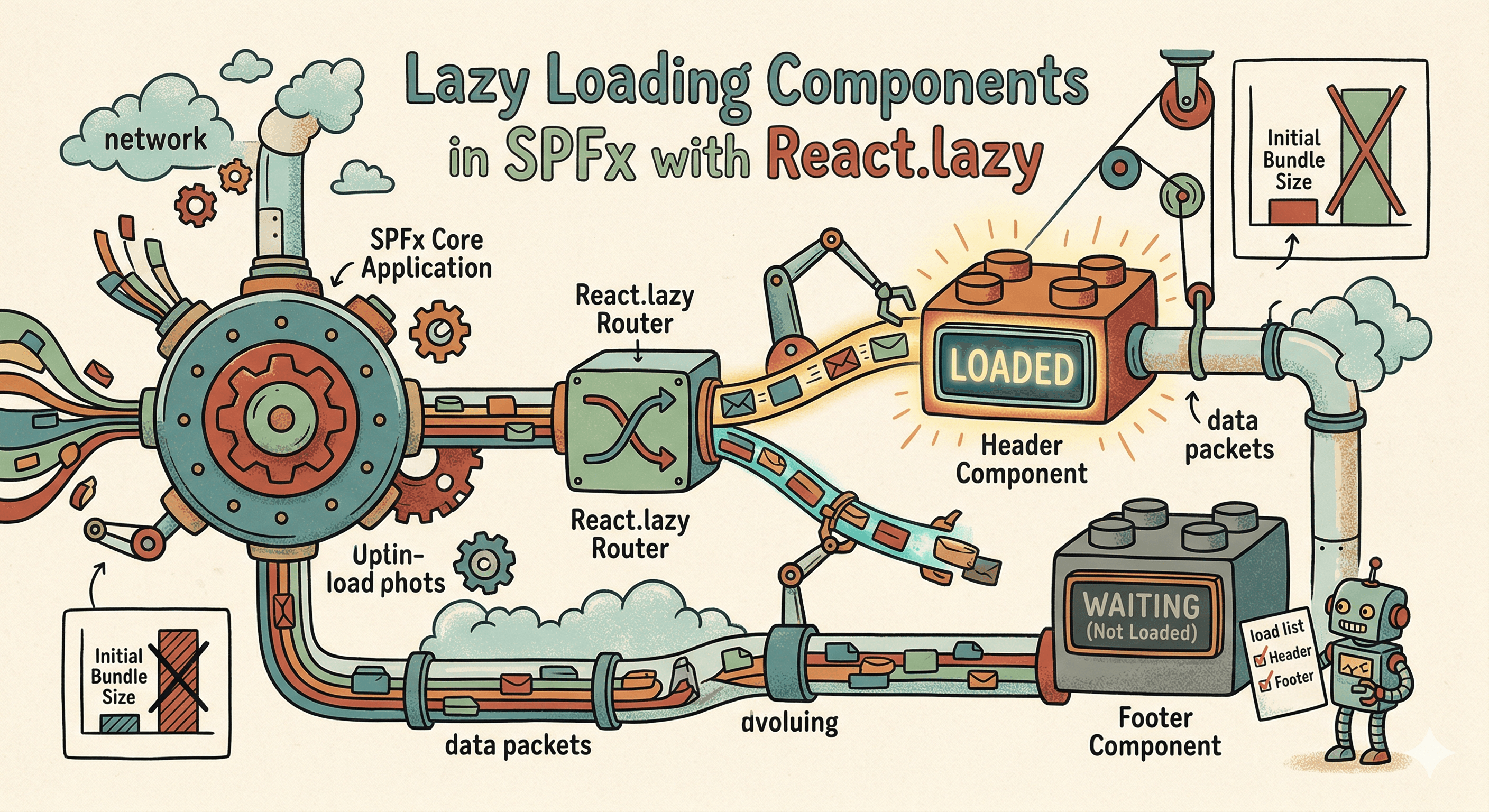
By default, SPFx bundles your entire web part — every component, every utility, every imported library — into a single JavaScript file that loads on every page render. If your web part has a chart, a rich text editor, a PDF viewer, or a complex admin panel that only 10% of users ever open, the other 90% are still downloading that code on every page load.
React's React.lazy combined with webpack's dynamic import syntax solves this cleanly. This article shows you exactly how to split SPFx bundles and load components on demand.
🗺️ How Code Splitting Works in SPFx
SPFx uses webpack under the hood. When webpack encounters a dynamic import() call, it automatically splits the imported module into a separate JavaScript chunk. That chunk is only downloaded when the import() is executed — not when the page loads.
React.lazy is the React API that wraps this mechanism for components specifically. It lets you write:
const HeavyChart = React.lazy(() => import('./components/HeavyChart'));
Webpack splits HeavyChart and its dependencies into a separate chunk. The chunk downloads only when HeavyChart is first rendered — not when the parent component mounts.
⚙️ Basic React.lazy Pattern
The minimal setup — a Suspense boundary wraps the lazy component and shows a fallback while the chunk loads:
import * as React from 'react';
import { Spinner } from '@fluentui/react-components';

// HeavyChart and all its imports become a separate webpack chunk
const HeavyChart = React.lazy(() => import('./components/HeavyChart'));

const Dashboard: React.FC = () => {
  const [showChart, setShowChart] = React.useState(false);

  return (
    <div>
      <h3>Dashboard</h3>
      <button onClick={() => setShowChart(true)}>Show Analytics</button>

      {showChart && (
        <React.Suspense fallback={<Spinner label="Loading chart..." />}>
          <HeavyChart />
        </React.Suspense>
      )}
    </div>
  );
};
The chart chunk downloads the first time the user clicks "Show Analytics" — not on page load. Every subsequent render of HeavyChart uses the cached chunk.
🧩 Naming Chunks for Debugging
By default, webpack assigns numeric names to split chunks (chunk.1.js, chunk.2.js). Use the webpackChunkName magic comment to assign meaningful names — essential for diagnosing network requests in production:
const HeavyChart = React.lazy(
  () => import(/* webpackChunkName: 'analytics-chart' */ './components/HeavyChart')
);

const RichTextEditor = React.lazy(
  () => import(/* webpackChunkName: 'rich-text-editor' */ './components/RichTextEditor')
);

const AdminPanel = React.lazy(
  () => import(/* webpackChunkName: 'admin-panel' */ './components/AdminPanel')
);
Your network tab will now show analytics-chart.js, rich-text-editor.js, and admin-panel.js — making it easy to see which chunks are loading and how large they are.
🛡️ Error Boundary for Chunk Load Failures
Lazy chunk loading can fail — network errors, CDN issues, or a stale browser cache referencing a chunk that no longer exists after a deployment. Wrap lazy components in an error boundary to handle this gracefully:
import * as React from 'react';
import { MessageBar } from '@fluentui/react-components';

interface ILazyErrorBoundaryState {
  hasError: boolean;
  isChunkError: boolean;
}

export class LazyErrorBoundary extends React.Component<
  React.PropsWithChildren<{ fallback?: React.ReactNode }>,
  ILazyErrorBoundaryState
> {
  constructor(props: React.PropsWithChildren<{ fallback?: React.ReactNode }>) {
    super(props);
    this.state = { hasError: false, isChunkError: false };
  }

  public static getDerivedStateFromError(error: Error): ILazyErrorBoundaryState {
    // Detect chunk load failures specifically
    const isChunkError = error.name === 'ChunkLoadError' ||
      error.message.includes('Loading chunk') ||
      error.message.includes('Failed to fetch');
    return { hasError: true, isChunkError };
  }

  public render(): React.ReactNode {
    if (this.state.hasError) {
      if (this.state.isChunkError) {
        return (
          <MessageBar intent="warning">
            This component could not be loaded. Please refresh the page.
          </MessageBar>
        );
      }
      return this.props.fallback ?? (
        <MessageBar intent="error">Failed to load component.</MessageBar>
      );
    }
    return this.props.children;
  }
}
Usage:
<LazyErrorBoundary>
  <React.Suspense fallback={<Spinner label="Loading..." />}>
    <HeavyChart />
  </React.Suspense>
</LazyErrorBoundary>
🔁 Preloading — Load Before the User Clicks
If you can predict that the user is likely to open a component (for example, they are hovering over a button), preload the chunk before they click — eliminating the loading delay entirely:
const HeavyChart = React.lazy(
  () => import(/* webpackChunkName: 'analytics-chart' */ './components/HeavyChart')
);

// Preload the chunk when the user hovers — it will be cached by the time they click
const preloadChart = () => {
  import(/* webpackChunkName: 'analytics-chart' */ './components/HeavyChart');
};

const Dashboard: React.FC = () => {
  const [showChart, setShowChart] = React.useState(false);

  return (
    <div>
      <button
        onMouseEnter={preloadChart}  // Start loading on hover
        onClick={() => setShowChart(true)}
      >
        Show Analytics
      </button>

      {showChart && (
        <React.Suspense fallback={<Spinner label="Loading chart..." />}>
          <HeavyChart />
        </React.Suspense>
      )}
    </div>
  );
};
The import() call in preloadChart starts the chunk download immediately on hover. By the time the user clicks (~200ms later), the chunk is already in the browser cache and HeavyChart mounts without a visible delay.
📋 Practical SPFx Lazy Loading Targets
Not everything warrants lazy loading — small components add complexity for no meaningful gain. Focus on components that are:
- Conditionally rendered (not always visible)
- Used by a subset of users
- Associated with heavy dependencies
| Component type | Lazy load? | Reasoning |
|---|---|---|
| Property pane content | ✅ Yes | Only needed in edit mode; use loadPropertyPaneResources |
| Charts (recharts, Chart.js) | ✅ Yes | Large library, only shown on specific tabs |
| Rich text editors | ✅ Yes | Heavy dependency, used rarely |
| Admin/config panels | ✅ Yes | Only power users need these |
| Modal dialogs | ✅ Yes | Only loaded when user triggers them |
| Navigation / sidebar | ❌ No | Always visible — lazy loading adds flicker |
| Core data table | ❌ No | Primary content — visible immediately |
| Small utility components | ❌ No | Bundle cost is negligible |
🚀 Property Pane Lazy Loading (Built-in SPFx Pattern)
SPFx has a first-class mechanism for property pane lazy loading — the loadPropertyPaneResources method. Use it to defer loading property pane controls until the user opens the pane:
private _propertyPaneModule: typeof import('./MyWebPartPropertyPane') | undefined;

protected async loadPropertyPaneResources(): Promise<void> {
  // Property pane code is split into a separate chunk automatically
  this._propertyPaneModule = await import(
    /* webpackChunkName: 'property-pane' */
    './MyWebPartPropertyPane'
  );
}

protected getPropertyPaneConfiguration(): IPropertyPaneConfiguration {
  return this._propertyPaneModule!.getPropertyPaneConfiguration(this.properties);
}
This is the recommended pattern in every SPFx project — property pane controls are only needed when a page is in edit mode, which is a minority of page loads.
✅ Summary
React.lazy+ dynamicimport()splits components into separate webpack chunks that load on demand.- Wrap lazy components in
React.Suspensewith a spinner fallback — shown while the chunk downloads. - Add a
LazyErrorBoundaryaround lazy components to handle chunk load failures gracefully. - Use
/* webpackChunkName: 'name' */magic comments to assign readable names to split chunks. - Preload chunks on
onMouseEnterto eliminate the perceived loading delay for highly likely interactions. - Always lazy-load the property pane via
loadPropertyPaneResources— it is only needed in edit mode.
Happy coding!